UE Companion App
The UE Companion App is a browser-based web app that connects directly to your Google Sheet. Use it to manage your budget from your phone or desktop without opening the spreadsheet.
Requirements
- Any modern web browser (Chrome, Safari, Firefox, Edge)
- Your Google Sheet (UE) saved in your Google Drive
- A Google account to authorize the connection
See the Getting Started guide to connect the Companion App to your Sheet for the first time.
What’s in the App
The app has a tab for each part of your budget. Each page below covers what the tab shows and how to change its settings.
| Tab | What it’s for |
|---|---|
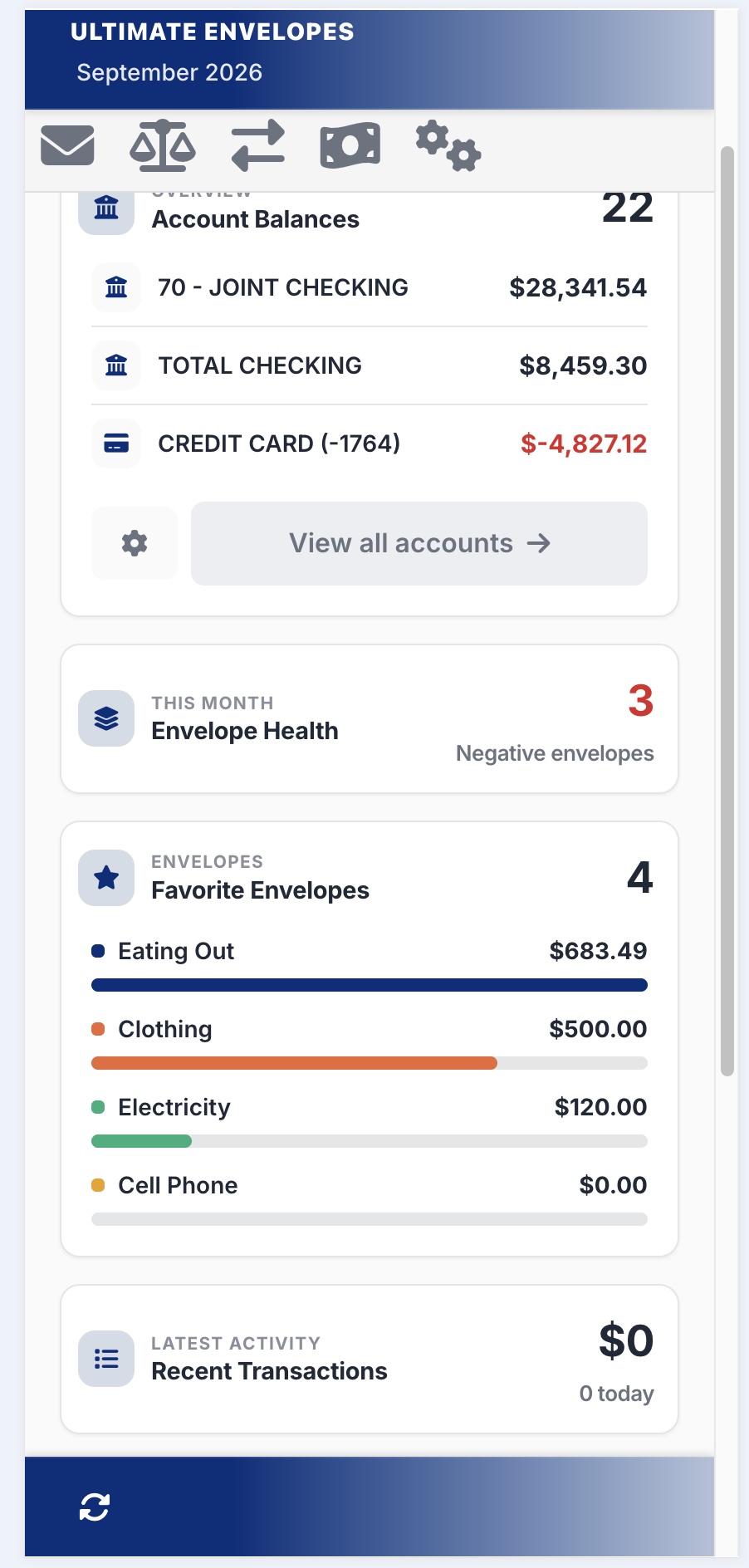
| Home | Your budget at a glance: balances, envelope health, favorites, and recent activity |
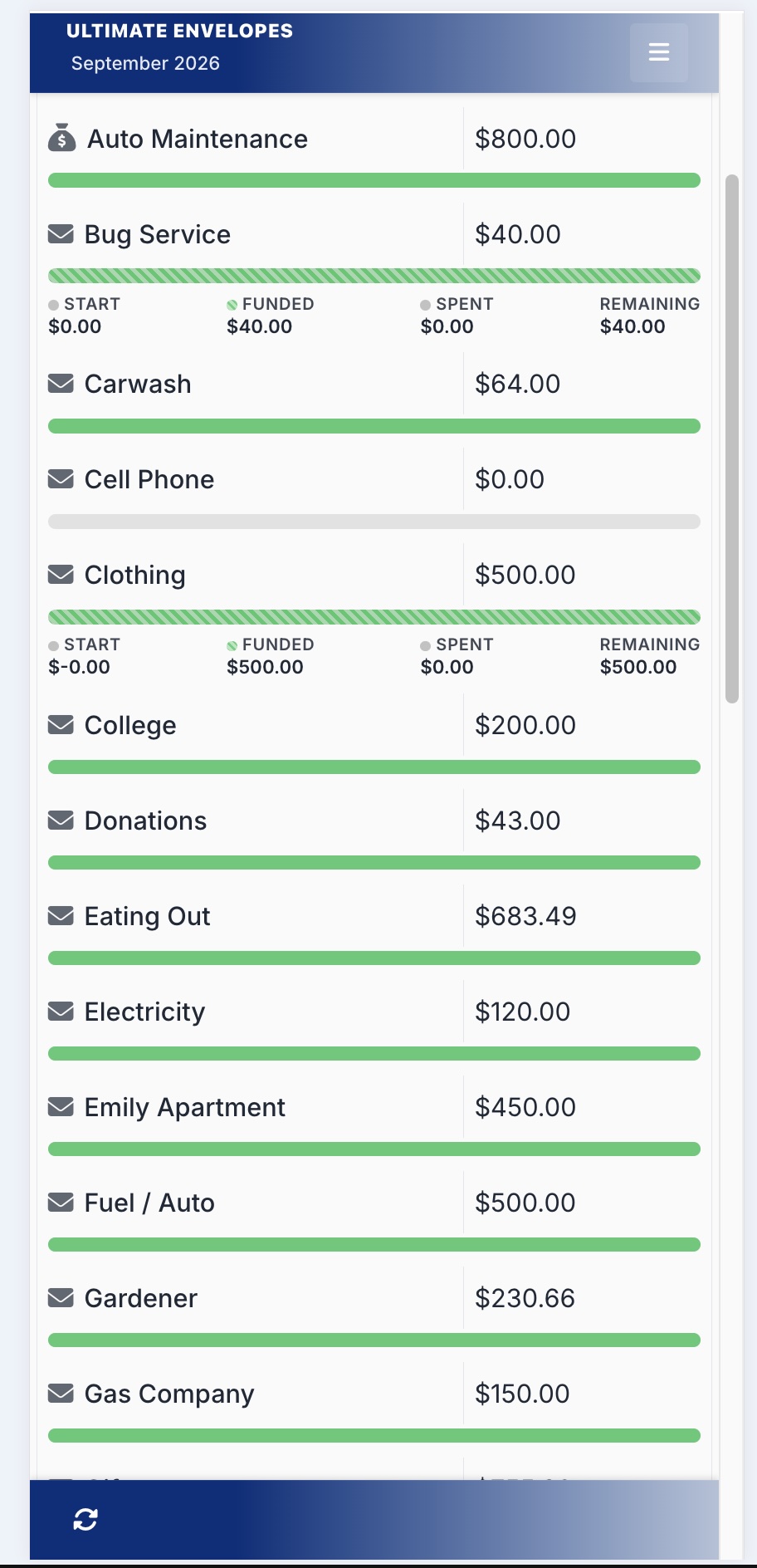
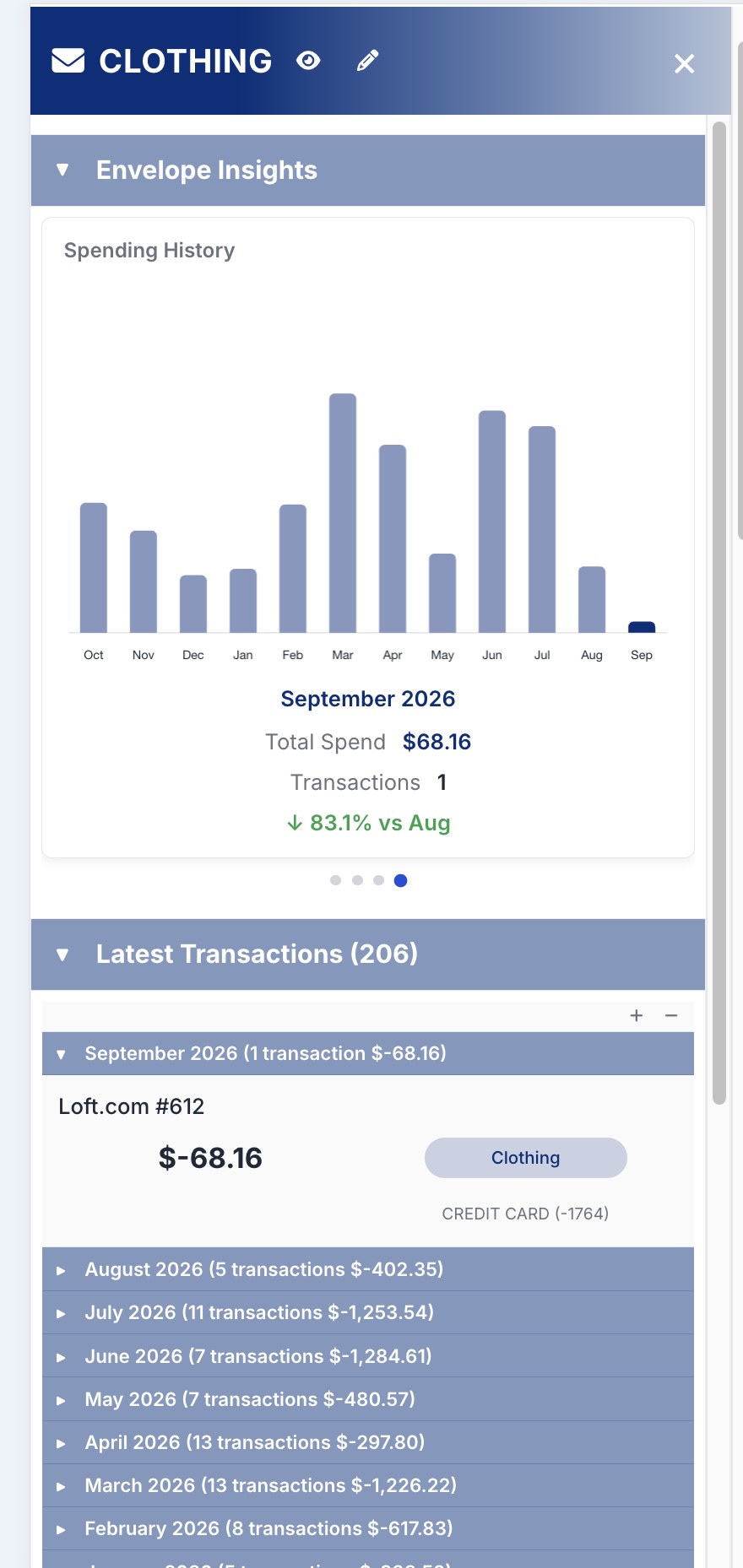
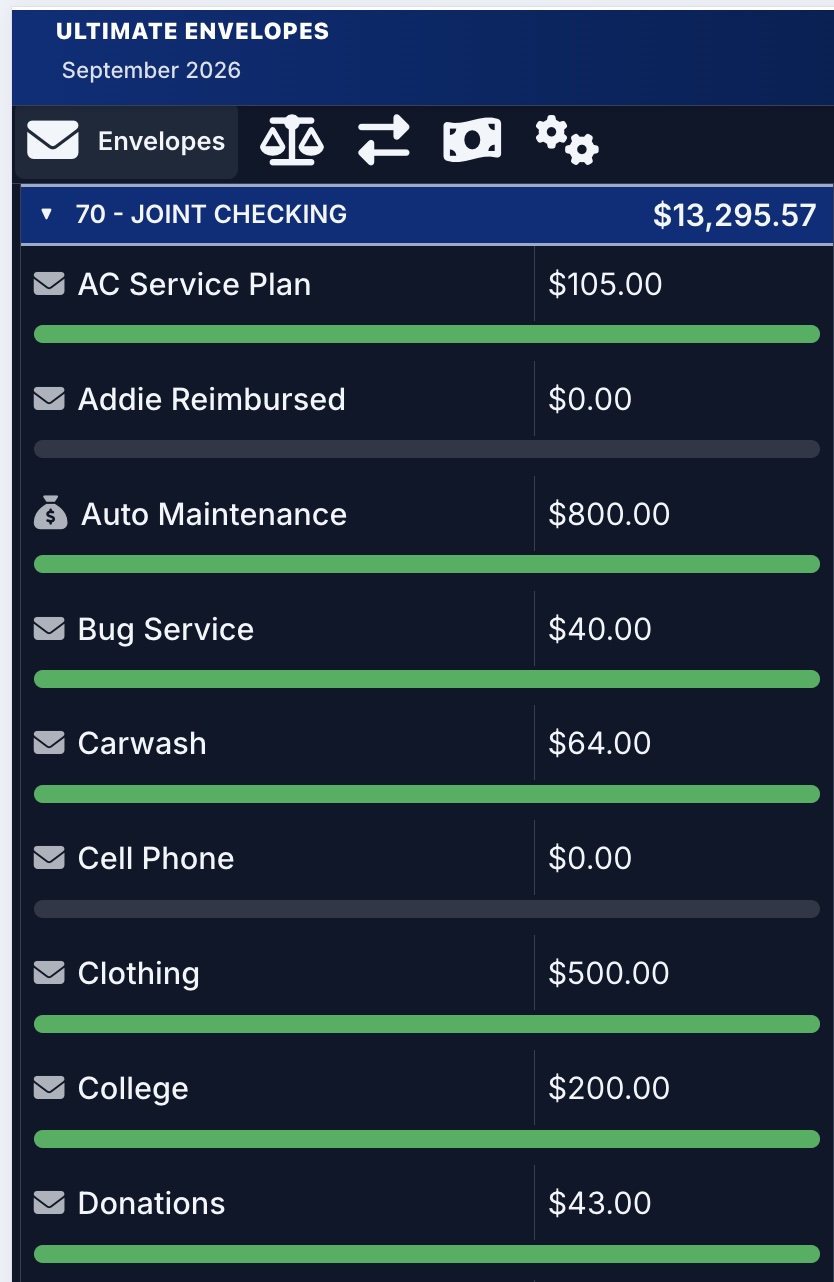
| Envelopes | Envelope balances, per-envelope charts, and envelope settings |
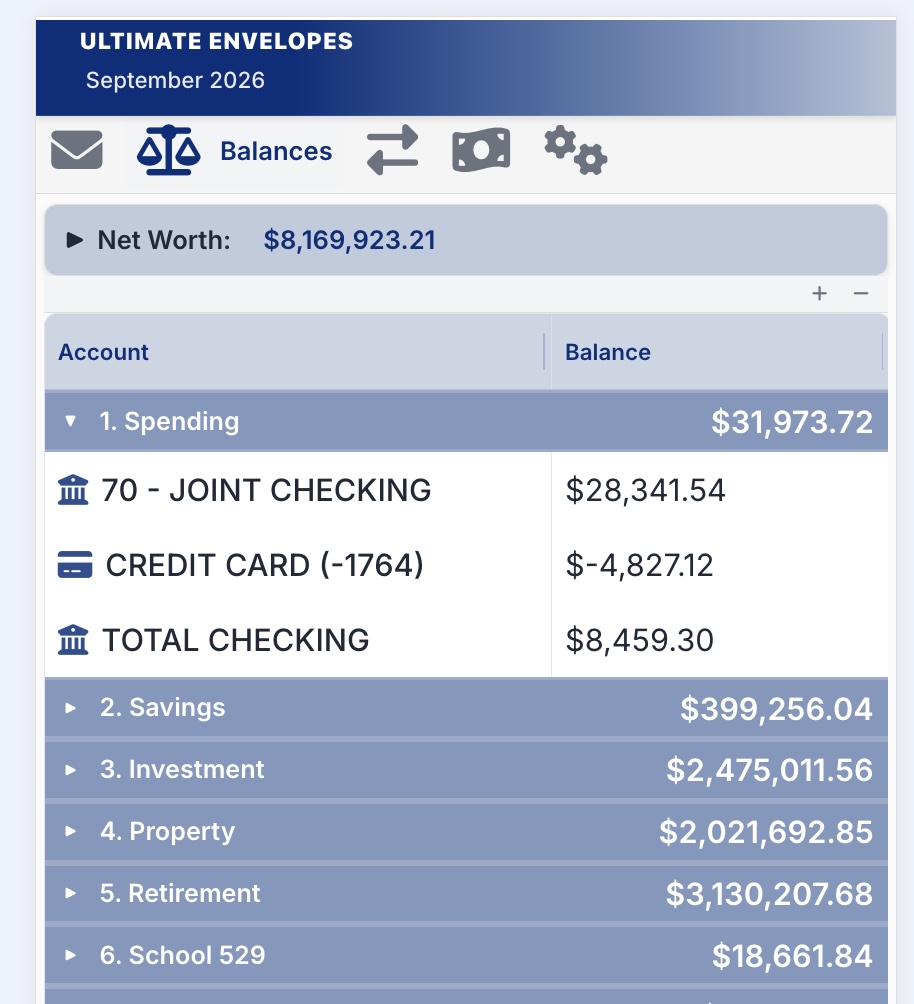
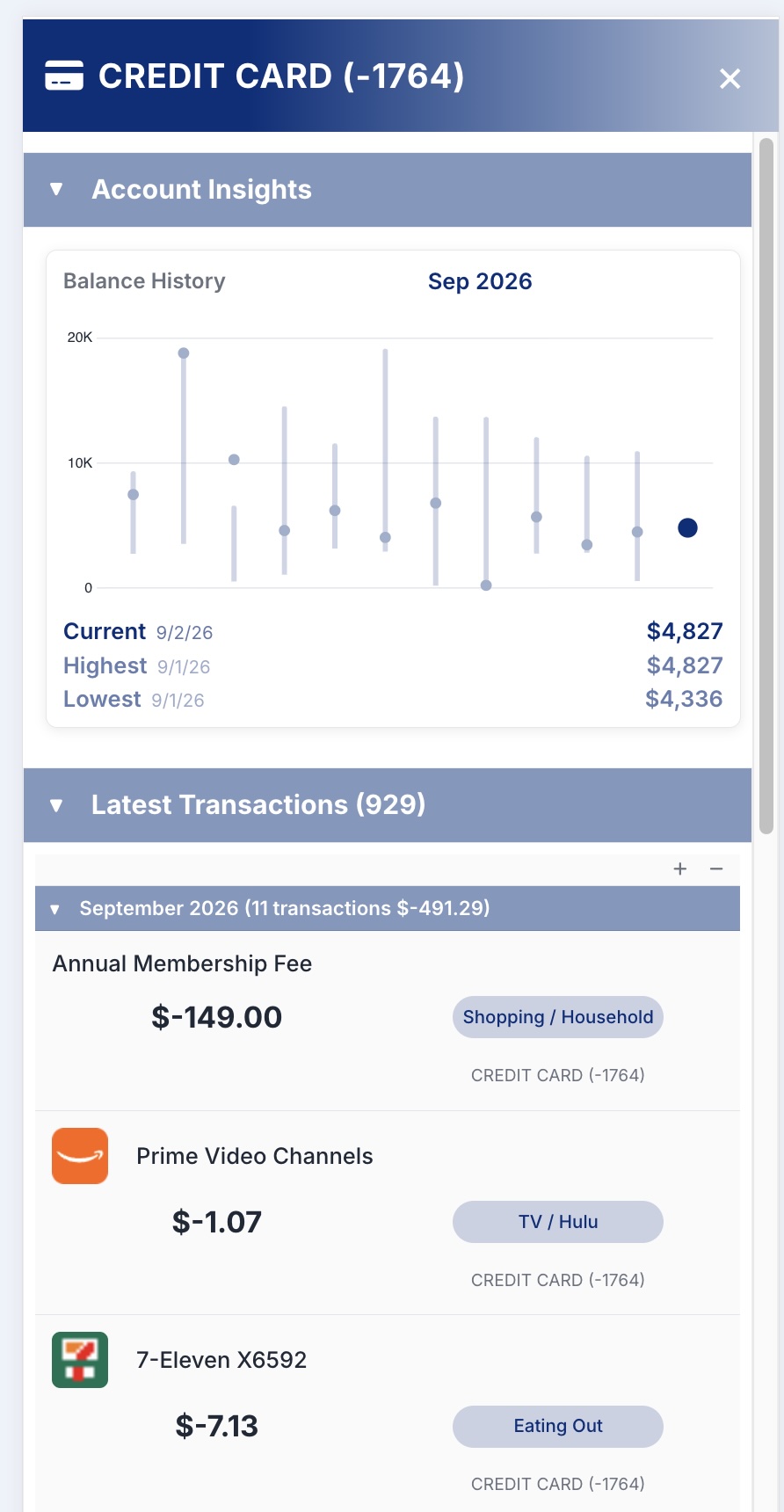
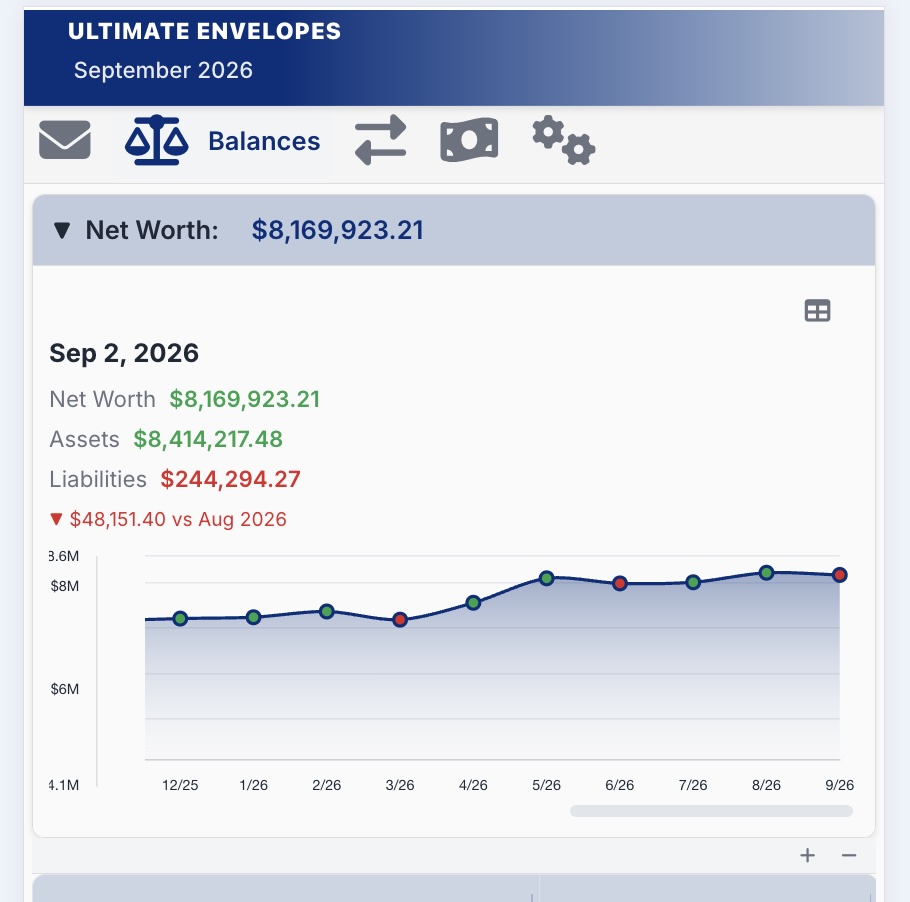
| Balances | Accounts, net worth over time, and balance settings |
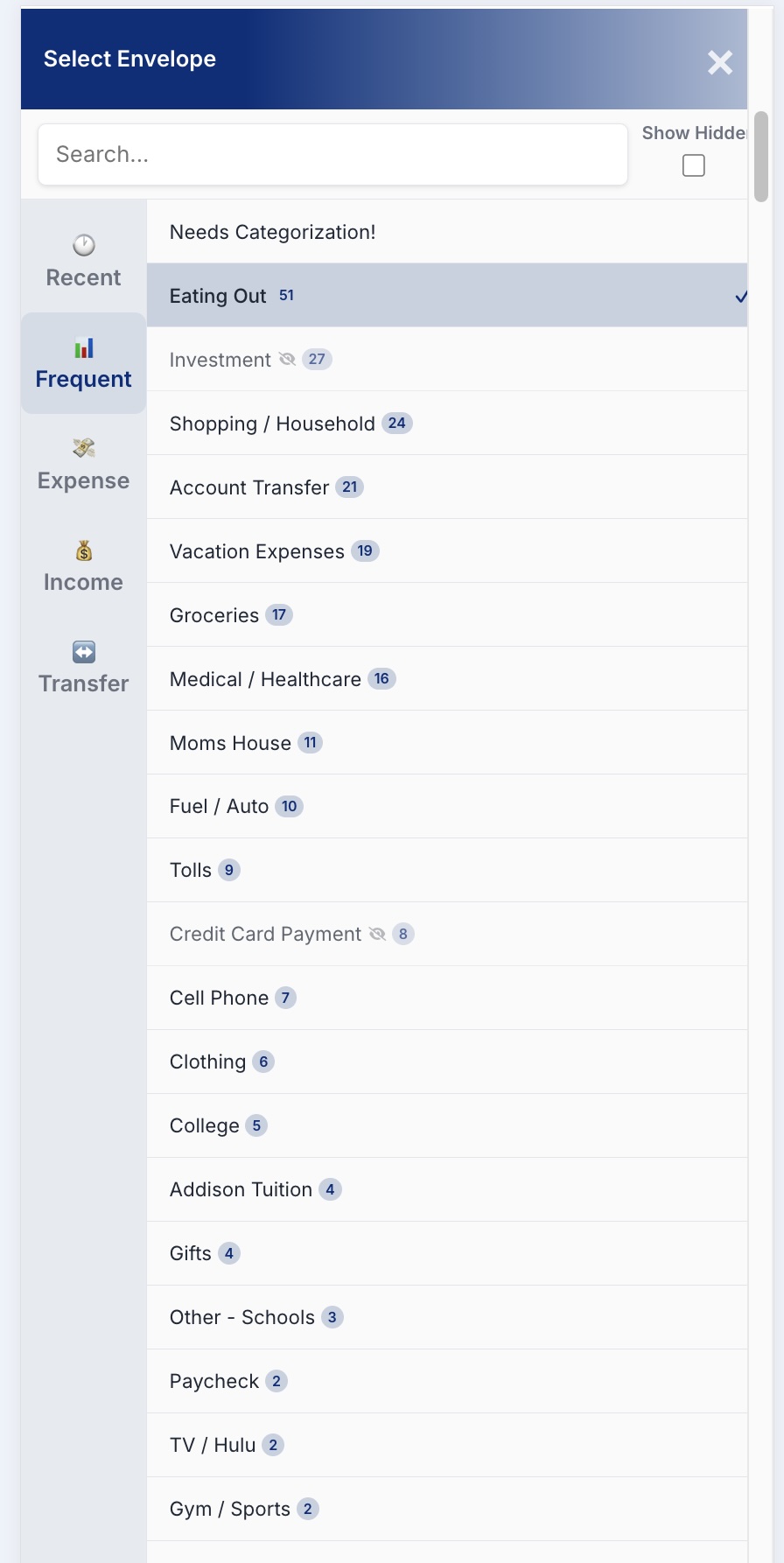
| Transactions | Add, edit, search, and categorize transactions |
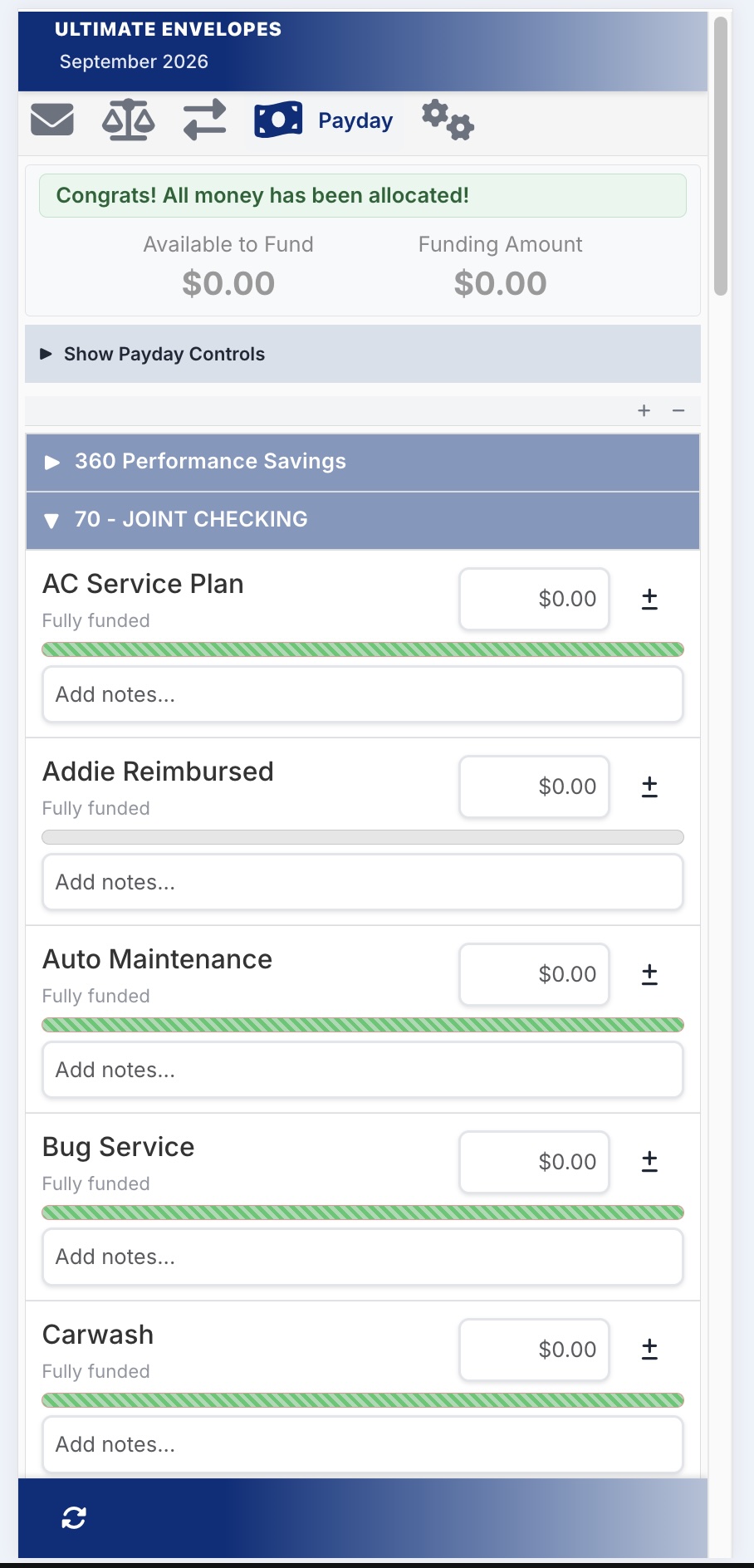
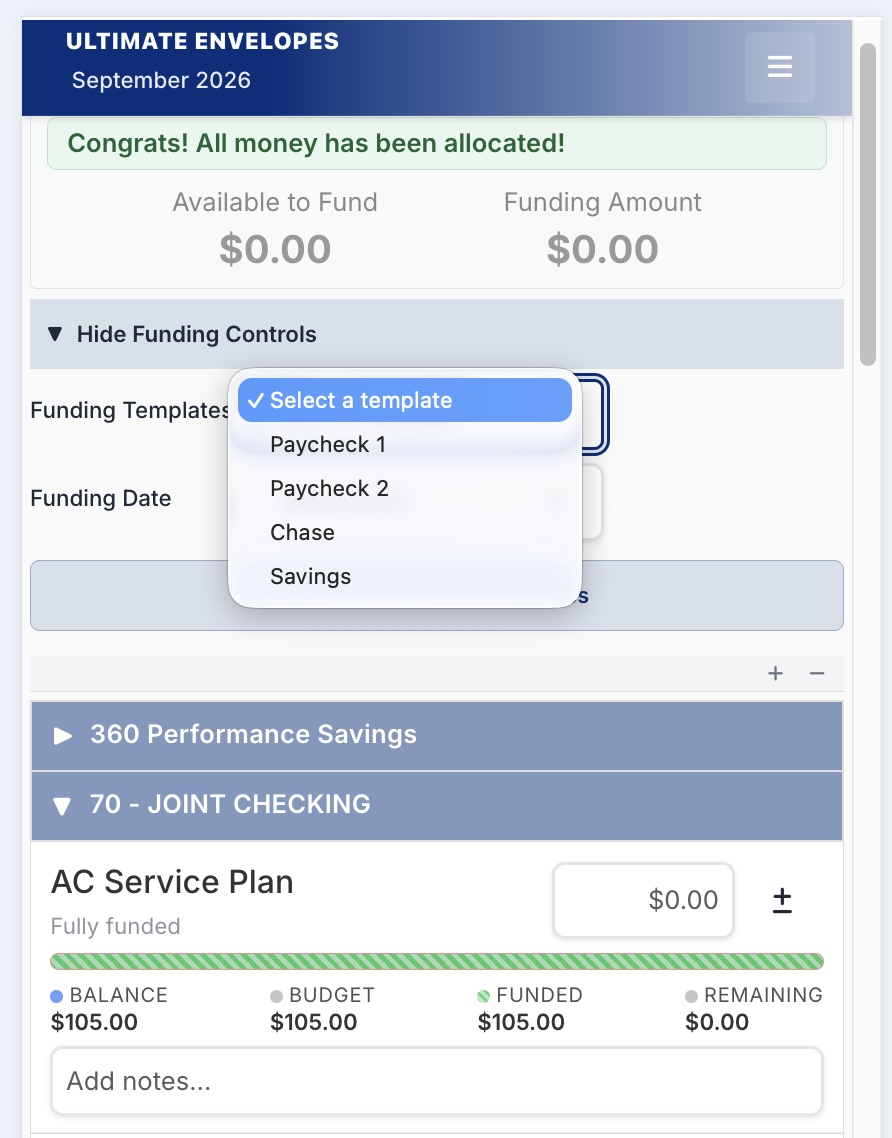
| Payday | Fund your envelopes when you get paid, with funding templates |
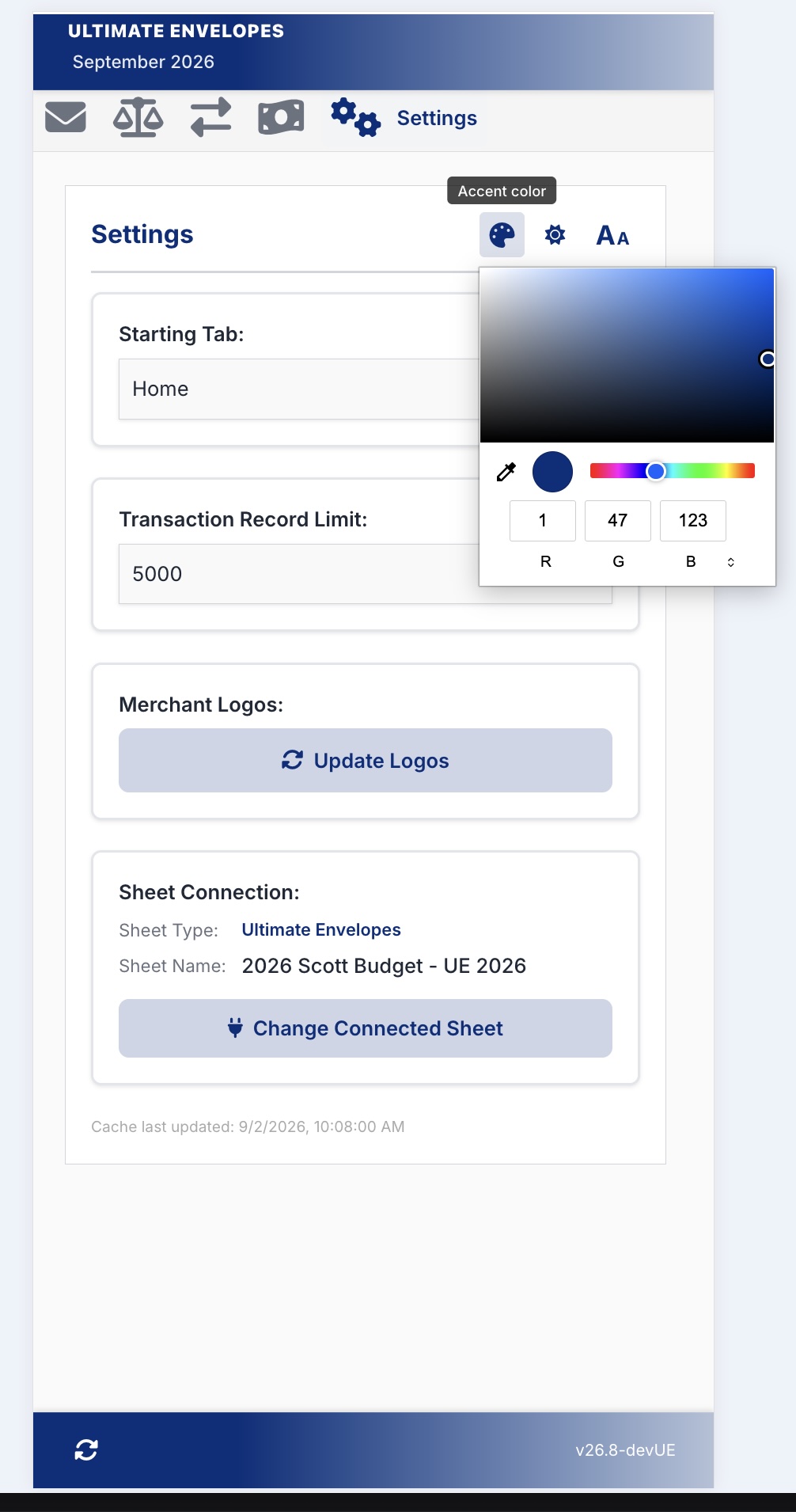
| Settings | Theme, font size, starting tab, merchant logos, and your sheet connection |
Tip: tap the tab you’re already on to open its menu (the small arrow next to the name is the hint). That’s where each tab’s own settings live.
If you connected a Tiller Foundation sheet instead of a UE Sheet, the app shows budget vs. actuals instead of envelopes, and Payday funding isn’t available.
Help Inside the App (Now Available)
Tap the ? icon at the top right of the title bar to open this support site inside the app. The title bar and tabs stay visible, so you can switch back any time.
- Tap ↗ to open the page in a full browser tab, or × (or any tab) to close help.
- On a phone, once you scroll down and the tab bar is replaced by the ☰ menu, Help is in that menu instead.
- Can’t find the answer? The bottom of the Help panel links to support@ultimateenvelopes.com.
Screenshots
Installing to Your Home Screen
Add the app to your phone’s home screen for quick one-tap access:
On iPhone (Safari):
- Open the app in Safari
- Tap the Share button
- Tap Add to Home Screen
On Android (Chrome):
- Open the app in Chrome
- Tap the menu (⋮)
- Tap Add to Home Screen
You’ll get an icon that opens the app in one tap.
Changelog
See Changelog for the full version history.