Getting Started
How to set up the Companion App and connect it to your budget sheet (your UE Sheet or a Tiller Foundation sheet). Perform this setup from a desktop browser. You’ll only need to do it once.
You’ll use two sheets:
- Companion App sheet: the Google Sheet from your purchase receipt. You set up the app from here (Steps 1–8).
- Your budget sheet: where your actual data lives. The app connects to it in Step 9.
Step 1: Open the Apps Script Editor
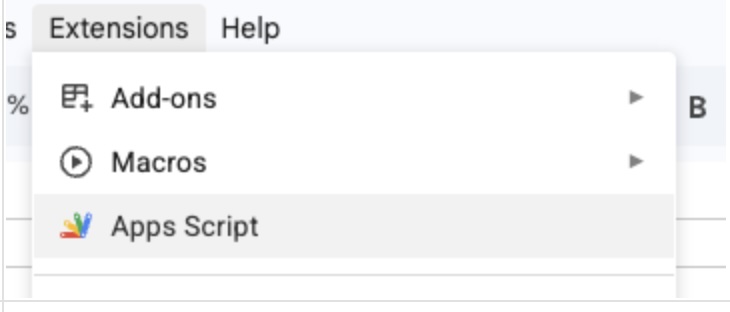
Open the Companion App sheet. That’s the Google Sheet from the link in your purchase receipt, not your UE Sheet. Then open the Apps Script editor (Extensions → Apps Script).
Step 2: Start a New Deployment
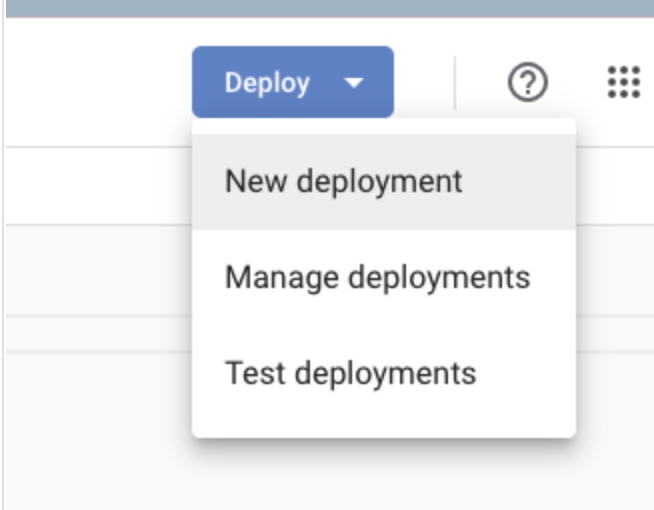
In the top right, click Deploy → New deployment.
Step 3: Deploy
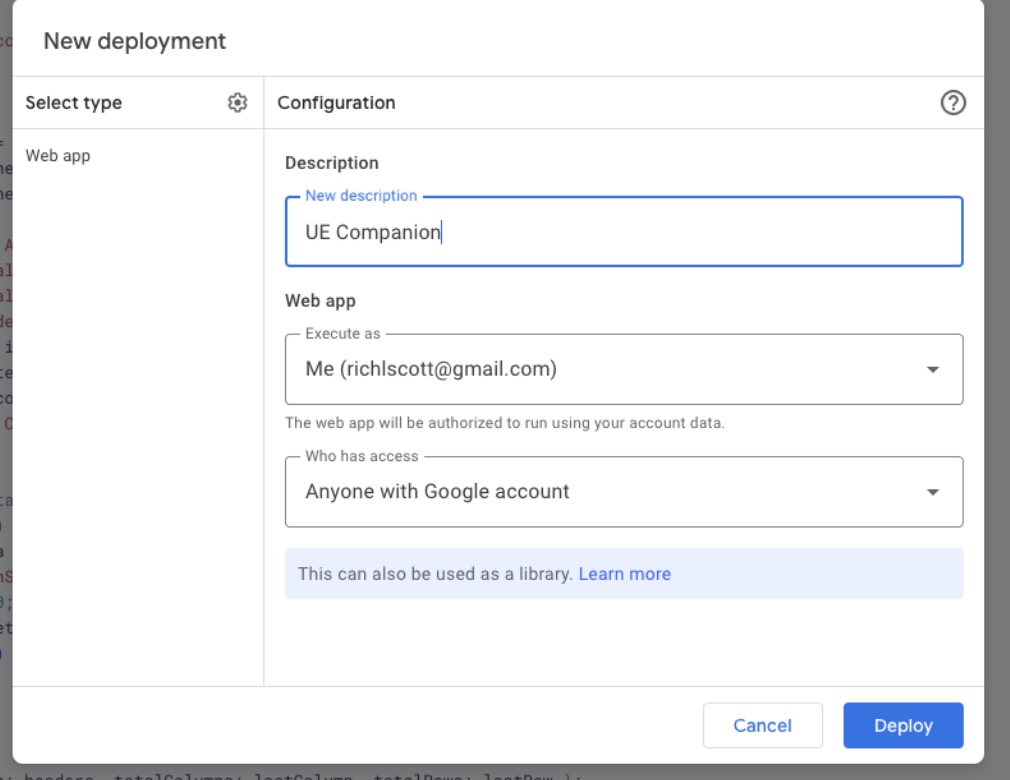
Name the deployment in the Description field, then click Deploy.
Step 4: Authorize the Script
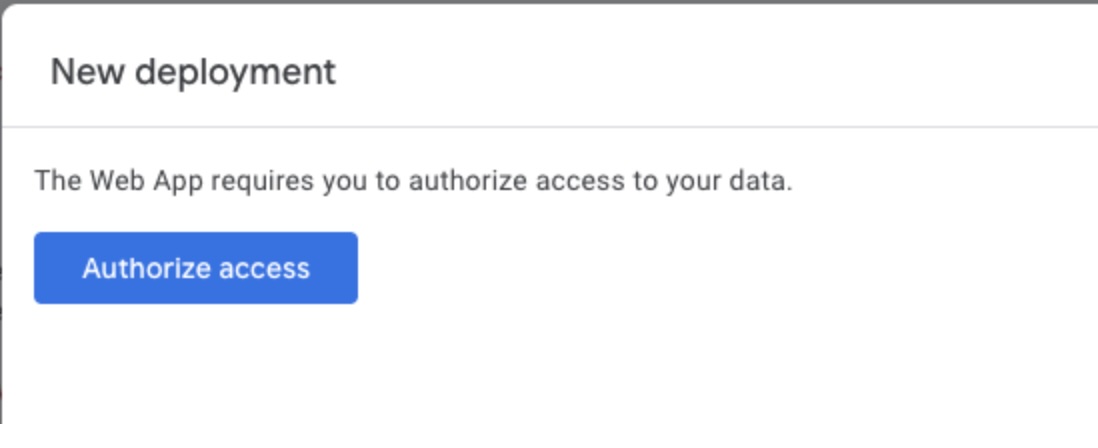
You’ll be asked to authorize the script — click Authorize access.
Step 5: Approve Access
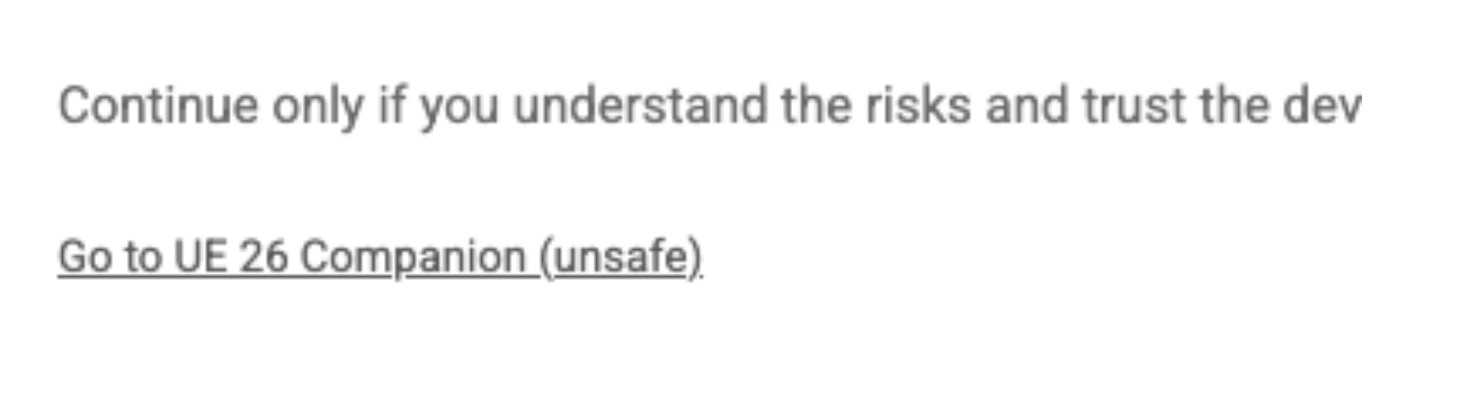
Click Advanced, then click Go to UE Companion (unsafe). This warning appears because the script isn’t published on the Google Marketplace — Ultimate Envelopes never has access to your data, and everything stays on your own Google Drive.
Step 6: Grant Permissions
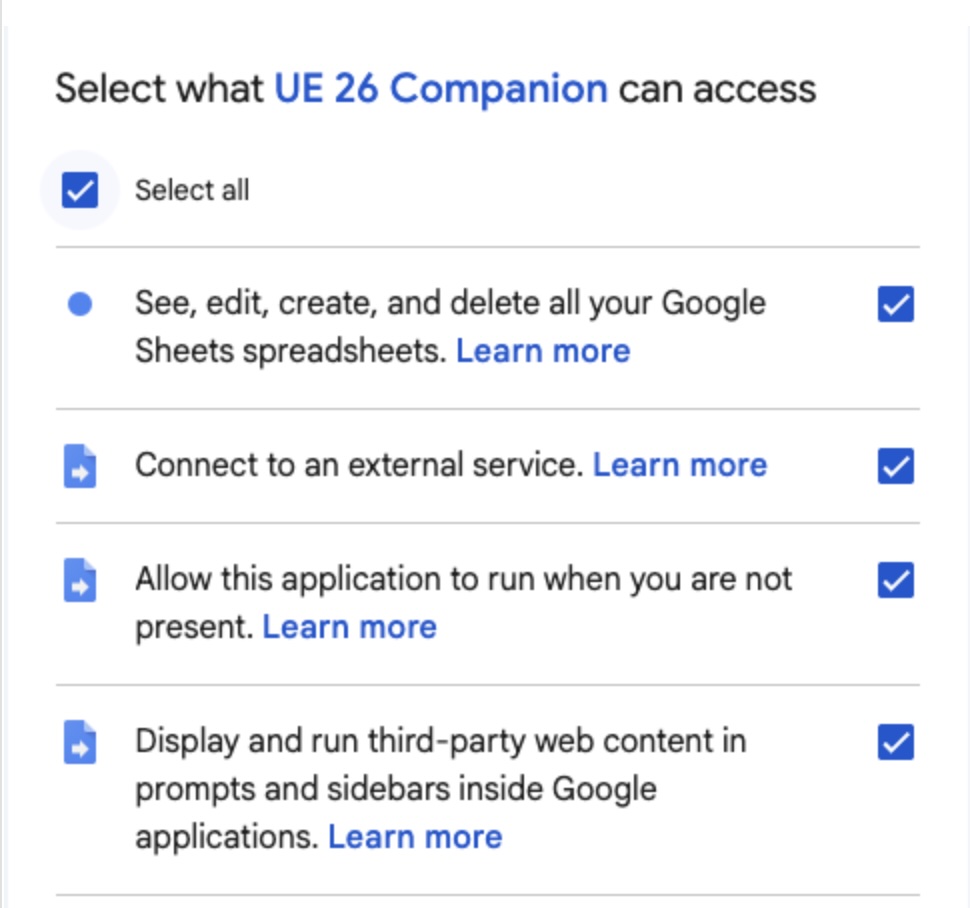
Check Select all, then click Continue.
Step 7: Copy the Deployment URL
Click the Copy button below the URL to copy it to your clipboard.
Step 8: Open the App
Open a new browser window — on your computer or phone — and paste the URL into the address bar.
Step 9: Connect Your Sheet
When the page loads, link the app to your budget sheet:
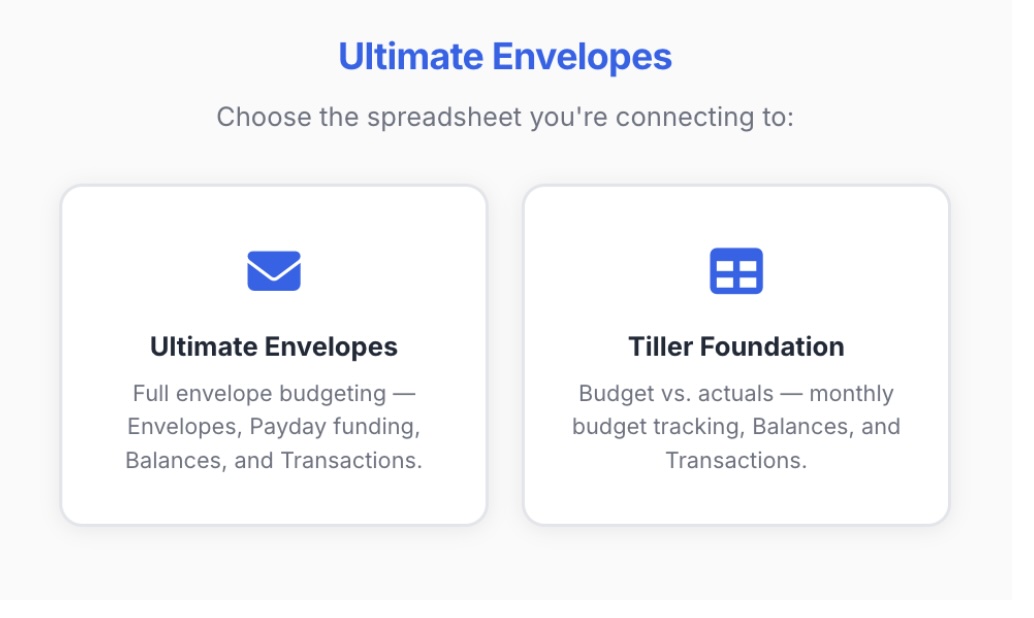
- Choose the kind of sheet you’re connecting: Ultimate Envelopes or Tiller Foundation.
- Paste the full URL or Sheet ID of your budget sheet (the one with your actual data, not the Companion App sheet), then click Connect.
Step 10: You’re In
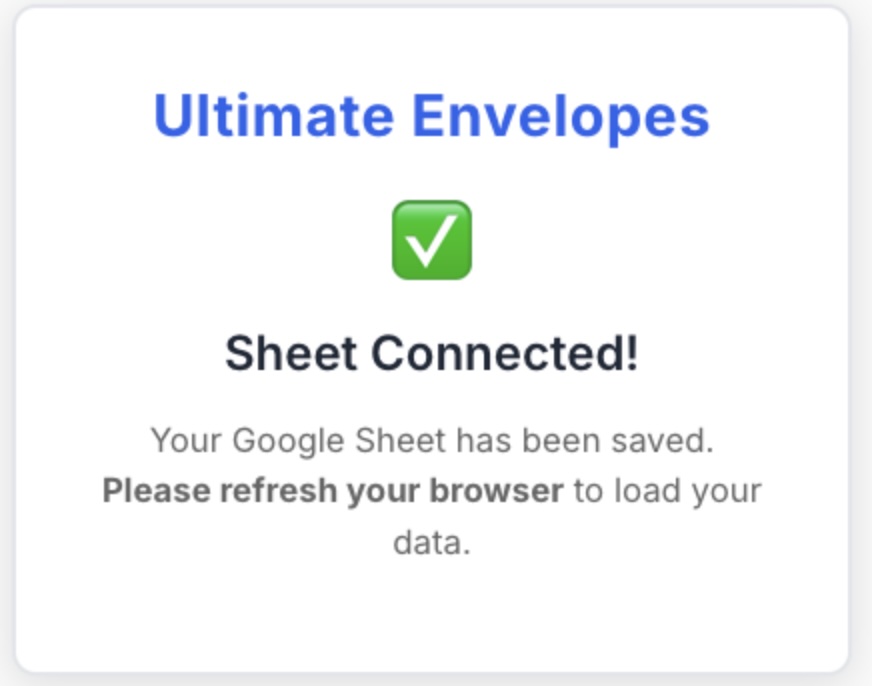
Refresh your browser — the Ultimate Envelopes Companion App will appear with your data.
Questions? Email support@ultimateenvelopes.com.