Balances Tab
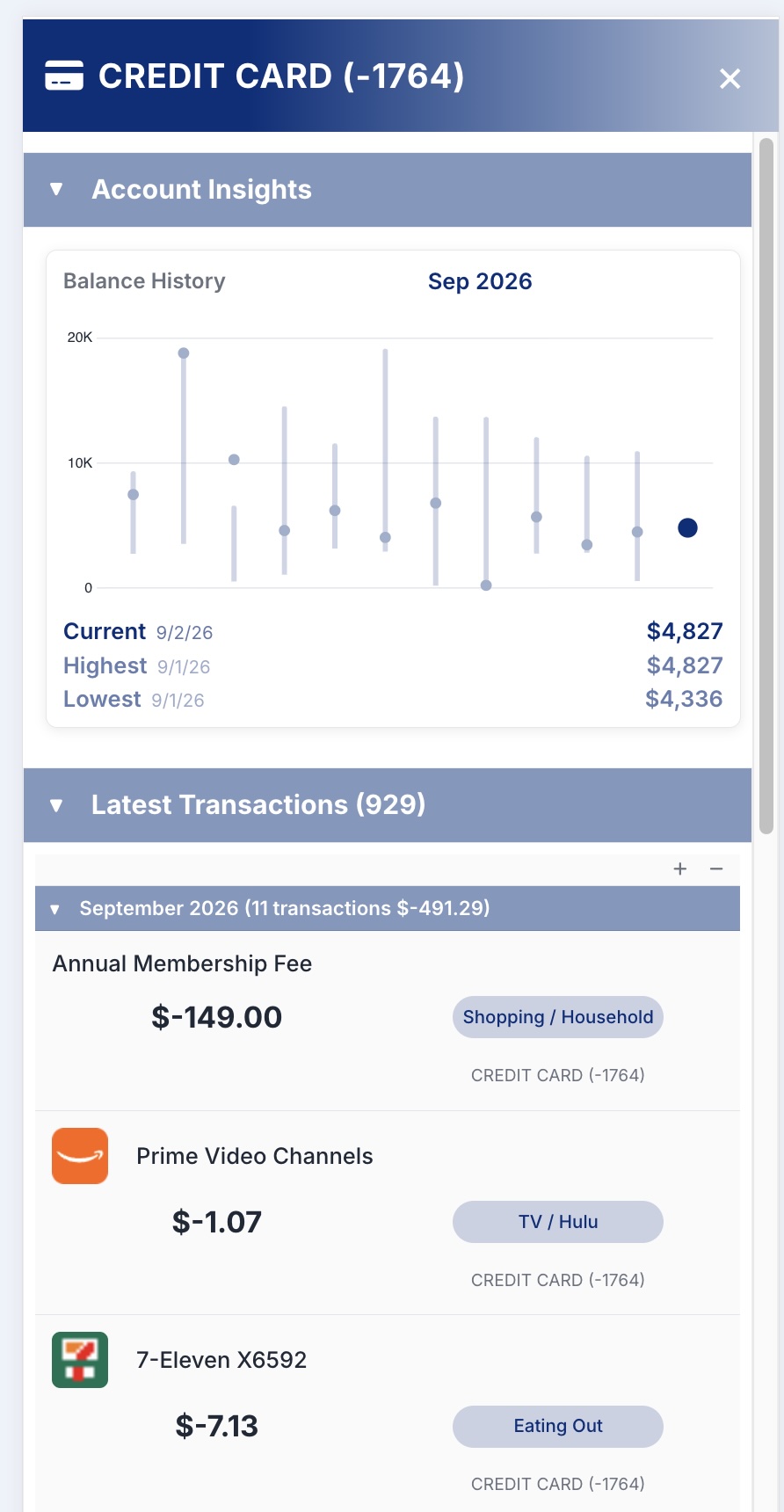
View all your accounts and your net worth, then tap into any account for its balance history.
Accounts and Net Worth
Accounts are grouped by type, class, or institution, with your net worth at the top.
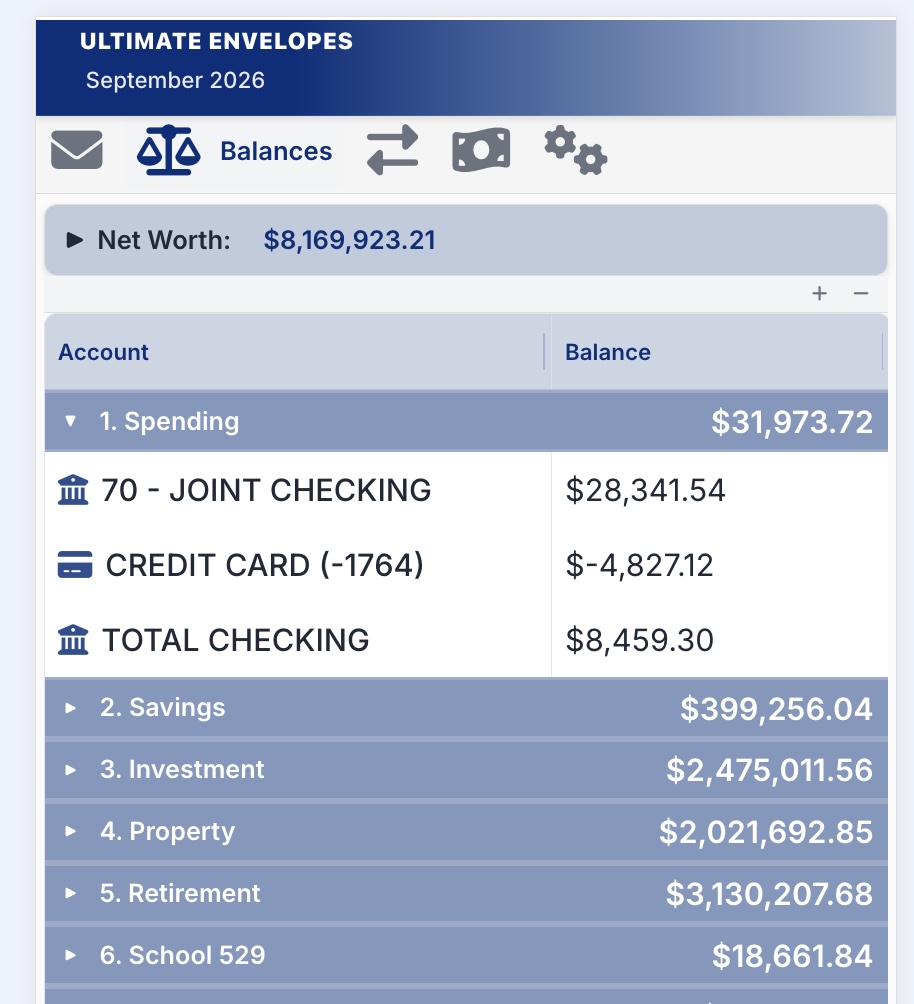
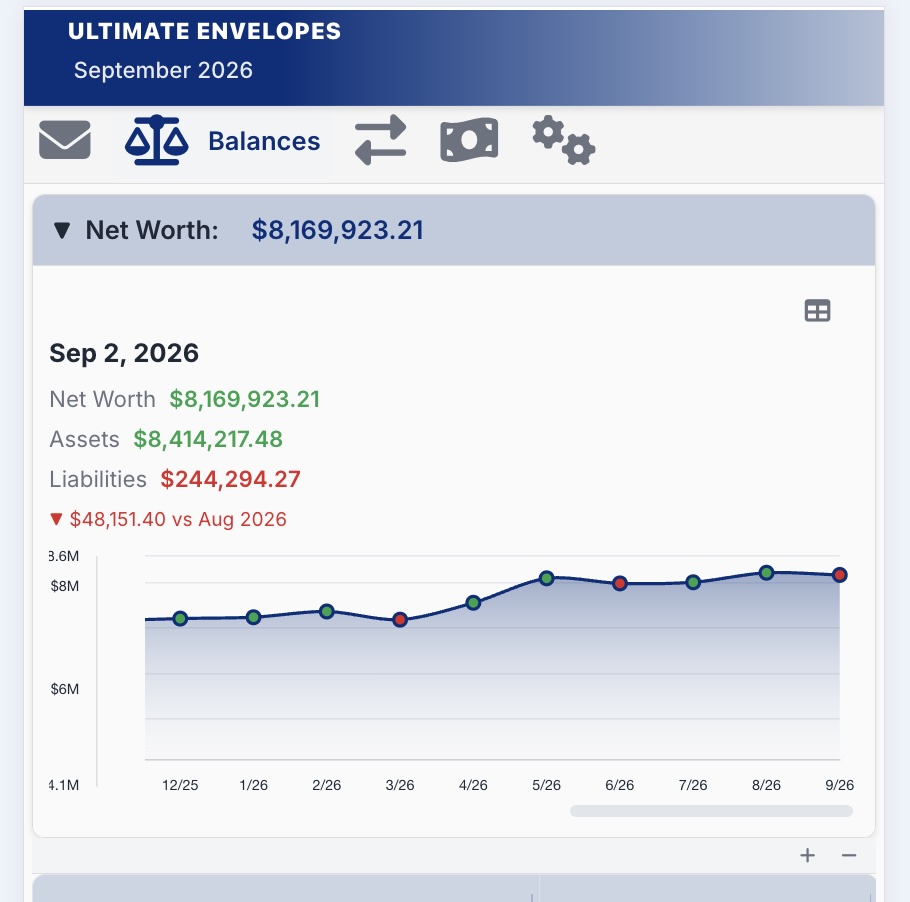
Net worth is tracked over time too, so you can watch it trend up or down month to month.
Account Insights
Tap into any account for its own Account Insights: a balance history chart alongside that account’s latest transactions.
Balance Settings
- Go to the Balances tab.
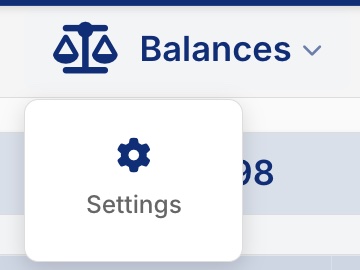
- Tap Balances in the tab bar again, then tap Settings.
| Setting | What it does |
|---|---|
| Group By | Group accounts by Group, Type, Class, or Institution. |
| Column Visibility | Show or hide Last Updated, Envelope Balance, and Difference. |
| Visibility | Show or hide your Net Worth. |
| Account Insight Charts | Show or hide the Balance History chart when you open an account. |
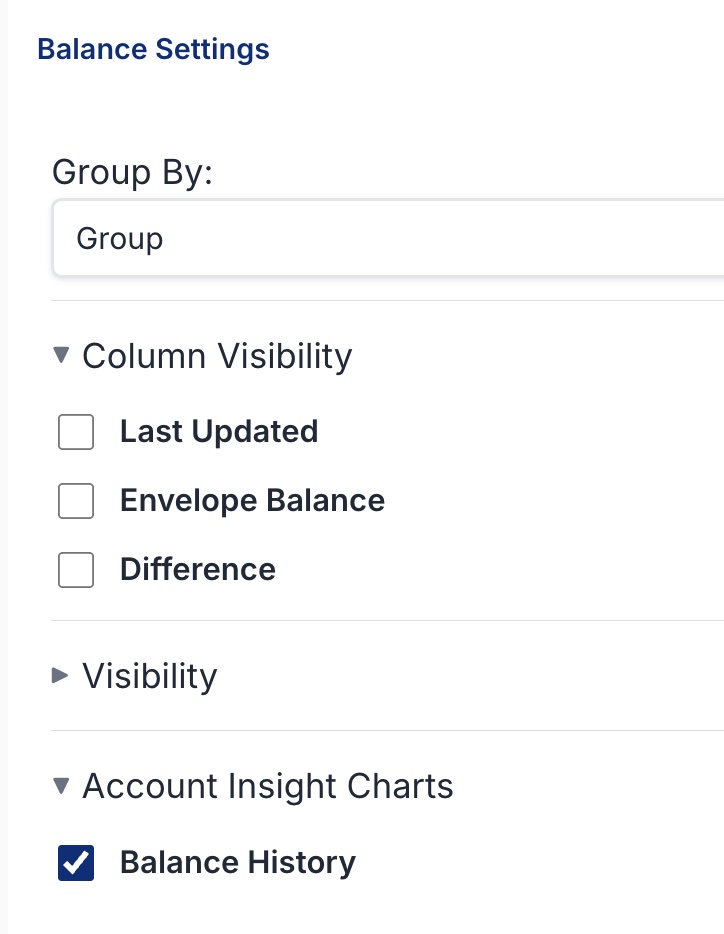
Sections with an arrow (▸) are collapsed. Tap the section name to open it.
Column choices are remembered by the browser you set them in. If you use the app on both your phone and computer, set them on each.